If you have two subtitle tracks and one simply continues the other, the simplest way to merge them is to open both in a text editor and paste the contents of the second file at the end of the first. You can read about how the SRT format works in our article What is the SRT format. The rest of this page is copywriting text that may not be of much help.
Why merge subtitle files?
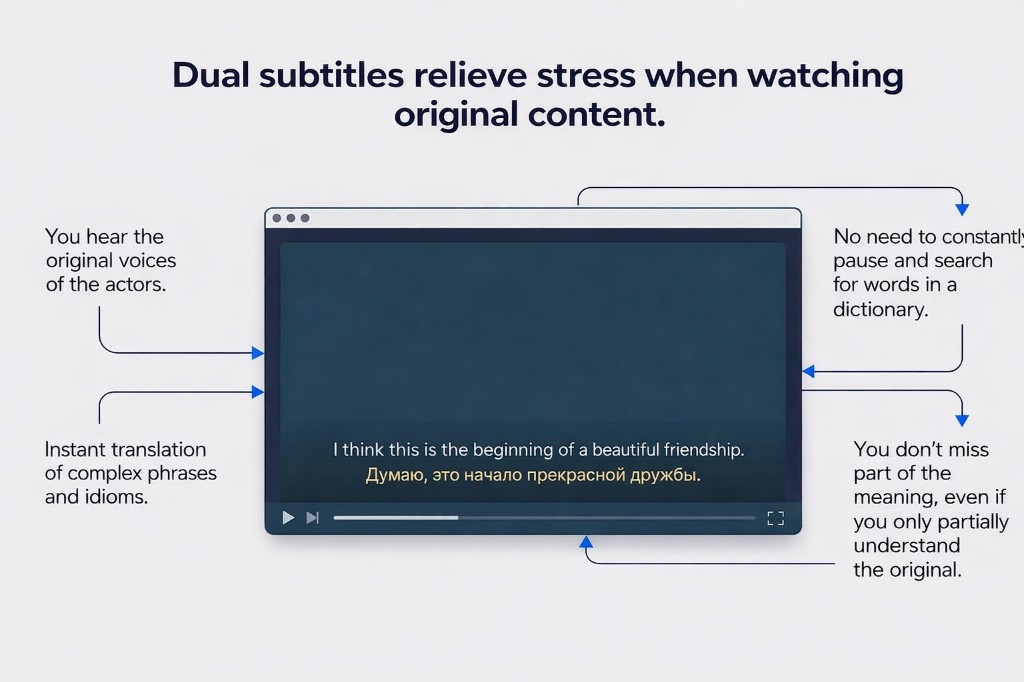
People usually want to merge subtitles when they need bilingual subtitles, for example an original line together with a translation. It is also useful when a player cannot display two subtitle tracks cleanly at the same time.
- It helps create bilingual or dual subtitles.
- One final file is easier to manage than two separate tracks.
- The result works well in common media players.
- It is convenient for language learning and original-audio viewing.
Why use an online subtitle merger?
An online tool is convenient when you want to merge subtitles online quickly without installing subtitle editors, converters, or desktop software. You open the site, upload the files, and download the result.
Tip: if you often watch content with two languages, it is much easier to prepare one ready-to-use subtitle file in advance instead of managing two separate tracks every time.
How to merge subtitles online
- Prepare two subtitle files, for example the original file and the translation.
- Open DualSubs.
- Upload both files in a supported format such as SRT.
- Click the merge button.
- Download the finished file and open it with your video.
This is one of the easiest ways to merge SRT files, create bilingual subtitles, and use them in standard video players.
With DualSubs, you can merge subtitles online directly in your browser: upload two subtitle files, combine them, and download one ready result without manual editing.
After merging, you may still want to fix typos or nudge timings across the whole file—try the online SRT editor or read How to edit SRT subtitles for a short format primer.
What subtitle files can you combine?
The most common case is combining two SRT files, because SRT is the most widely supported subtitle format. The same overall idea also works for other supported subtitle formats.
- original subtitles and translated subtitles;
- subtitles for language learning;
- two different subtitle versions;
- subtitles for movies, TV series, lectures, or tutorials.
What to check before merging subtitles
The subtitle tracks should be synchronized
If the timing is very different between the two files, the merged result will be harder to read. In that case, align the subtitle tracks first.
It helps when the files have similar structure
When one file contains far more lines than the other, merging is still possible, but some subtitle lines may not match perfectly.
Use clear file names
Clear names help you avoid mixing up the original subtitles and the translation, especially if you work with multiple subtitle versions.
Who benefits from merging subtitle tracks?
It is especially useful for people learning a language through movies and TV series. When you merge subtitle tracks, you can see the original line and the translation together, which improves comprehension and makes bilingual viewing much easier.
- language learners;
- people watching films in the original audio;
- teachers and students;
- anyone who wants ready bilingual subtitles with minimal setup.
Why one final file is easier
One merged file is easier to move between devices, open in video players, and keep next to the video file. You do not need to manage two separate subtitle tracks each time you watch something.
Conclusion
If you want to merge subtitles online, the easiest option is a browser-based tool that combines two subtitle files into one. This is useful for movies, TV series, language learning, and any situation where you want bilingual subtitles in a single file.
To merge SRT files and create a ready subtitle file, you only need to upload two tracks and download the result. It saves time and removes the need for manual editing.
Want to merge subtitles right now?
Upload two subtitle files and get one ready bilingual subtitle file in just a few clicks.
Merge Subtitles Online