Dual Subtitles
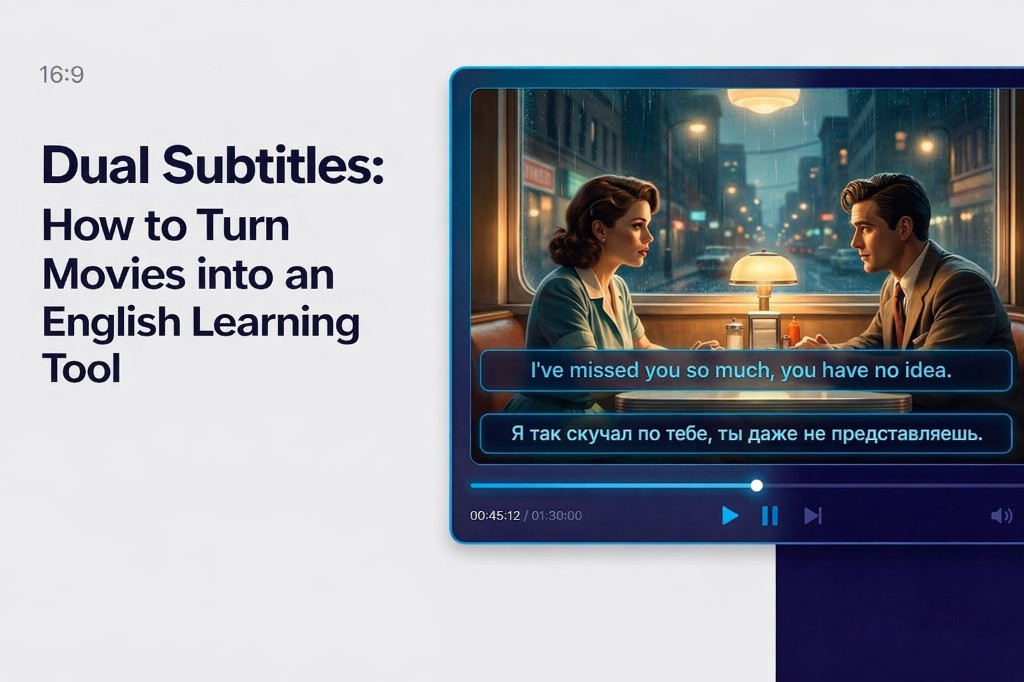
Two synchronized tracks over the YouTube player — original + translation
Dual Subtitles for YouTube browser extension — watch dual subtitles directly in your browser. Free for Chrome and Firefox.

Watch two languages at once, download SRT/VTT — free, no sign-up required
Two synchronized tracks over the YouTube player — original + translation
Primary and Secondary language from available video tracks
Font size, colors, background opacity, display mode
Popup button — export track as SRT or VTT
Also works in Edge and other Chromium-based browsers.
| Task | Extension | dualsubs.online |
|---|---|---|
| Watch dual subtitles on YouTube | yes | no (local player needed) |
| Download YouTube subtitles | yes | yes |
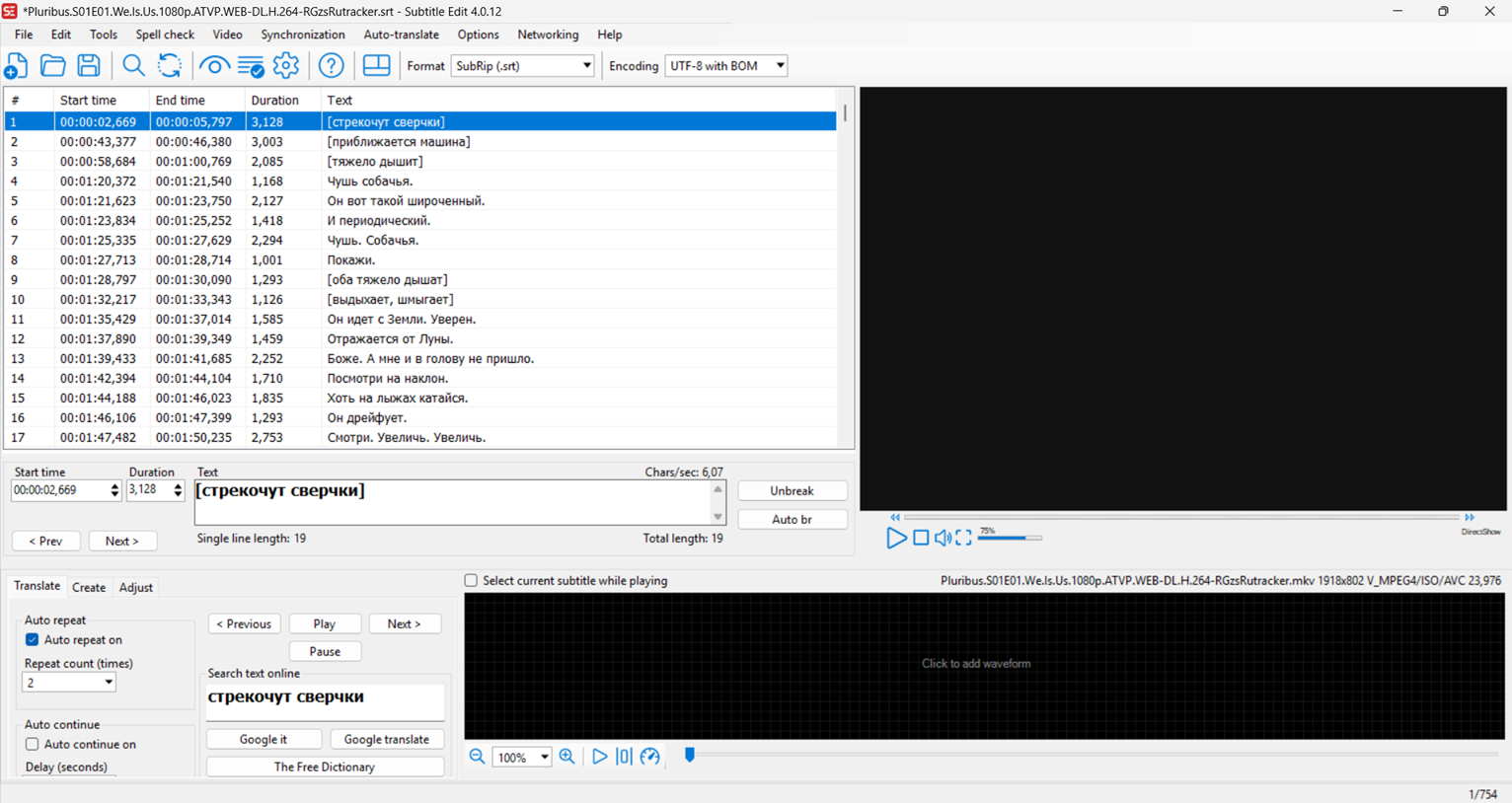
| Merge two SRT files | no | yes |
| Translate SRT | no | yes |
Only youtube.com (video watch pages).
Yes, completely free with no sign-up required.
No. Settings are stored locally in your browser. No data is sent to DualSubs servers.
Two tracks at once with a customizable overlay, not one track at a time.
Open the extension popup → Download subtitles. SRT and VTT available.
Permissions: storage, scripting, downloads, access to *.youtube.com
No data is sent to DualSubs servers — settings are stored only in your browser.