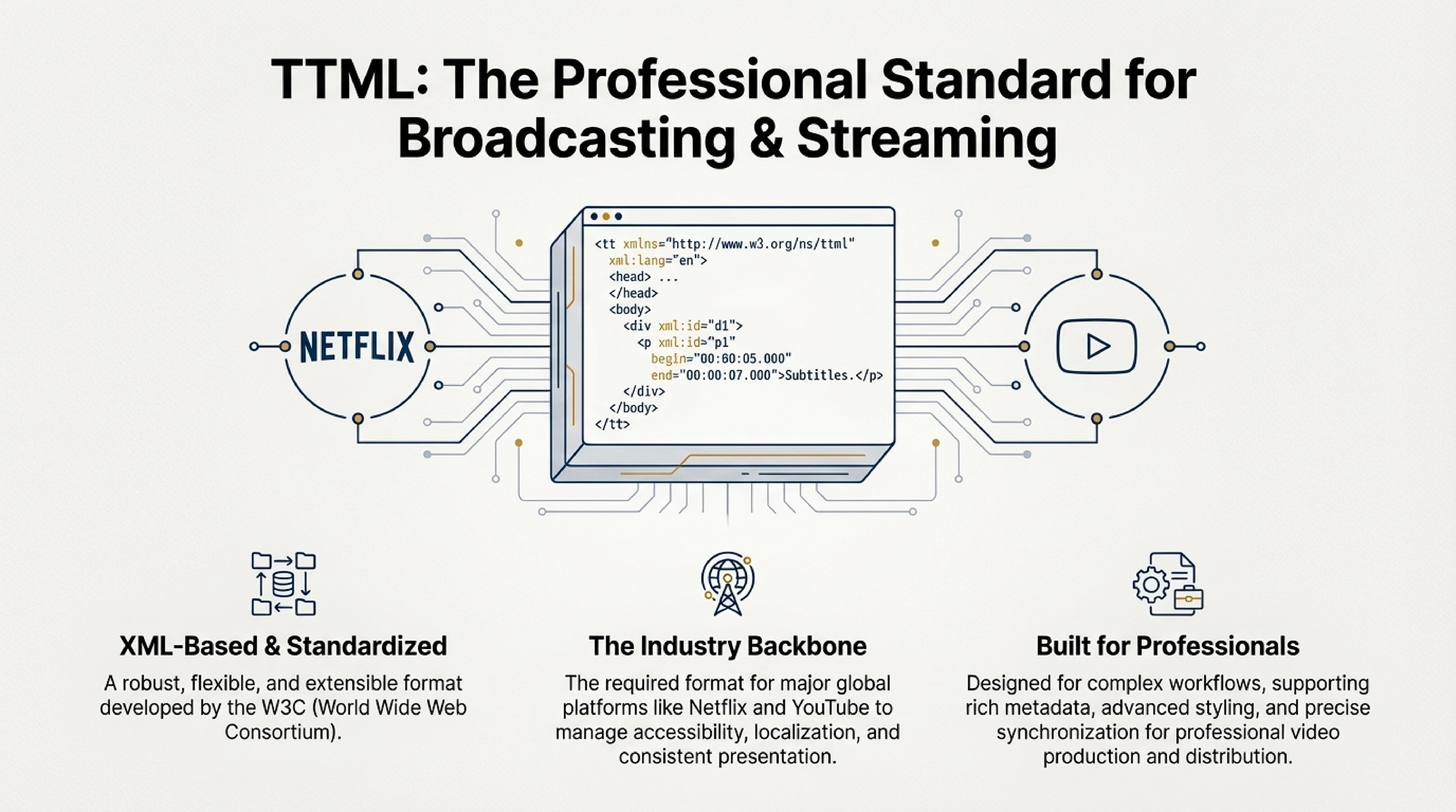
What is TTML Format?
TTML (Timed Text Markup Language) is a markup format for creating time-synchronized text used for adding subtitles, captions, and other text annotations to video. The TTML format is based on XML (Extensible Markup Language), making it flexible and suitable for use in various multimedia applications and online platforms, such as YouTube and Netflix.
This format supports more complex features than standard subtitle formats, such as SRT or VTT, including text styling, various effects, and precise synchronization with video.
Example of a TTML file:
TTML Markup Features
The TTML format uses XML markup, allowing you to create more complex and flexible subtitles. The main TTML markup elements:
- <tt> — the main container for the entire document. This tag indicates that this is a TTML file.
- <head> — a section containing metadata and styles. Here you can define general parameters for subtitles, such as fonts, text sizes, colors, and other display parameters.
- <metadata> — within this section, you can specify metadata, such as title, author, or description of subtitles.
-
<styling> — a section for text styling. Here you can set parameters for font, color, size, and other visual aspects of text. For example, you can use
tts:fontSizeattributes for font size,tts:colorfor text color, and other parameters. -
<body> — a section containing the subtitle text itself that will be displayed on screen. Each
<div>element can contain one or more<p>paragraphs, which contain text lines and timestamps. -
<p> — an element that represents a single subtitle. Inside this tag, the text is specified, as well as the start and end time of its display, set by
beginandendattributes in the formathours:minutes:seconds.milliseconds.
Example <p> section with timestamps:
This example shows how each subtitle has its start and end timestamps, as well as the text itself.
- Support for effects and animations: TTML allows adding effects such as fade (smooth fade out), zoom (scaling), as well as animations for more dynamic text display.
Advantages of TTML Format
- Flexibility and extensibility: Since TTML is based on XML, it can be easily adapted to various needs. This makes the format ideal for professional video platforms and multimedia applications.
- Styling support: TTML supports various text styling parameters, including color, font, size, as well as other visual elements. This allows creating more expressive and attractive subtitles.
- Synchronization with video: The TTML format allows precise synchronization of text with video by specifying exact timestamps for each subtitle.
- Animation support: TTML allows creating dynamic subtitles by adding animations and effects to text, making it ideal for multimedia projects with high visual content.
- Wide support in web applications: TTML is used in services such as YouTube, Netflix, and other video platforms, making it a popular choice for online video.
Interesting fact: TTML (Timed Text Markup Language) was developed by W3C (World Wide Web Consortium) and became the standard for creating text tracks in multimedia content. It is widely used in the entertainment industry and is the primary format for platforms such as Netflix and YouTube.
How to Use TTML Format for Merging and Converting Subtitles?
Merging Subtitles
A subtitle merging service allows you to combine multiple subtitles in one TTML file. This is useful if you want to synchronize subtitles in different languages or create subtitles with diverse styles and effects for a single video.
For example, you can merge English and Russian subtitles into one TTML file, applying a unique style to each language with different colors, fonts, and positions on screen. This allows creating professional dual subtitles with advanced styling.
Converting to TTML Format
Converting to TTML format from other formats, such as SRT or VTT, can be performed with your service. This allows you to convert simple subtitles to more complex TTML, adding additional styles and effects.
If you have subtitles in a simple SRT format, you can convert them to TTML and then add advanced styling, colors, animations, and other visual effects. This is especially useful for creating professional subtitles for online platforms such as YouTube or Netflix.
When to Use TTML Format?
The TTML format is ideal for the following cases:
- Online video platforms: For creating subtitles for YouTube, Netflix, and other video platforms.
- Professional projects: When creating subtitles with custom design and advanced styling is required.
- Multimedia applications: For creating subtitles with animations and effects in complex multimedia projects.
- Movies and TV series: For creating high-quality subtitles with precise synchronization and professional styling.
Conclusion
TTML is a powerful format for creating subtitles with advanced styling, animation, and precise synchronization with video. It is ideal for complex multimedia projects, such as movies, music videos, or online video.
Using a subtitle merging service and conversion to TTML, you can create high-quality and visually attractive subtitles that will improve the perception of your content. Whether you're creating content for YouTube, Netflix, or other video platforms, the TTML format provides all the necessary tools for creating professional subtitles with advanced styling and animation capabilities.