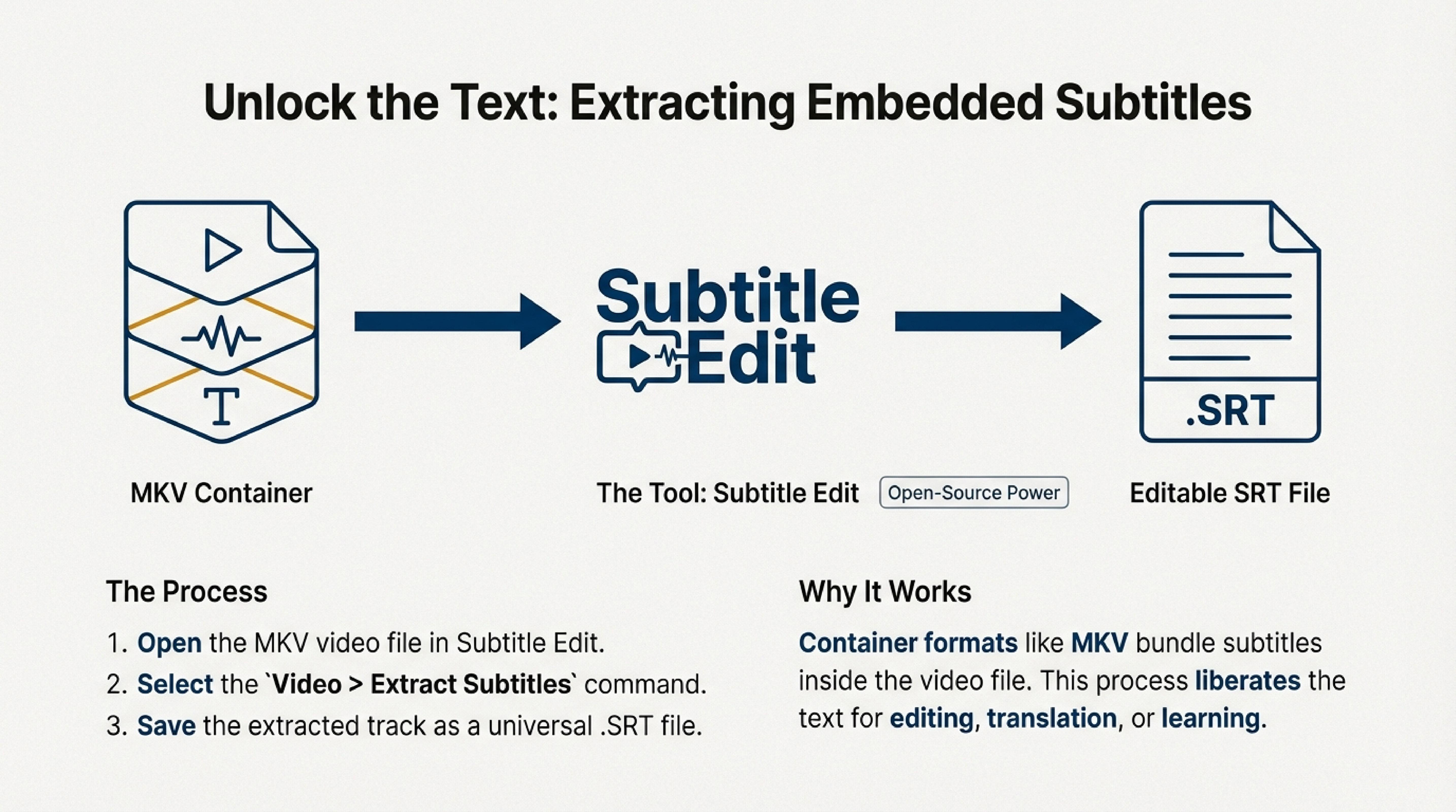
Subtitle Edit is a powerful open-source subtitle editor that allows you not only to edit subtitles but also to extract them from various video formats. Importantly, Subtitle Edit extracts subtitles from video formats that support embedded subtitle tracks, such as .mkv.
How to Extract Subtitles Using Subtitle Edit
-
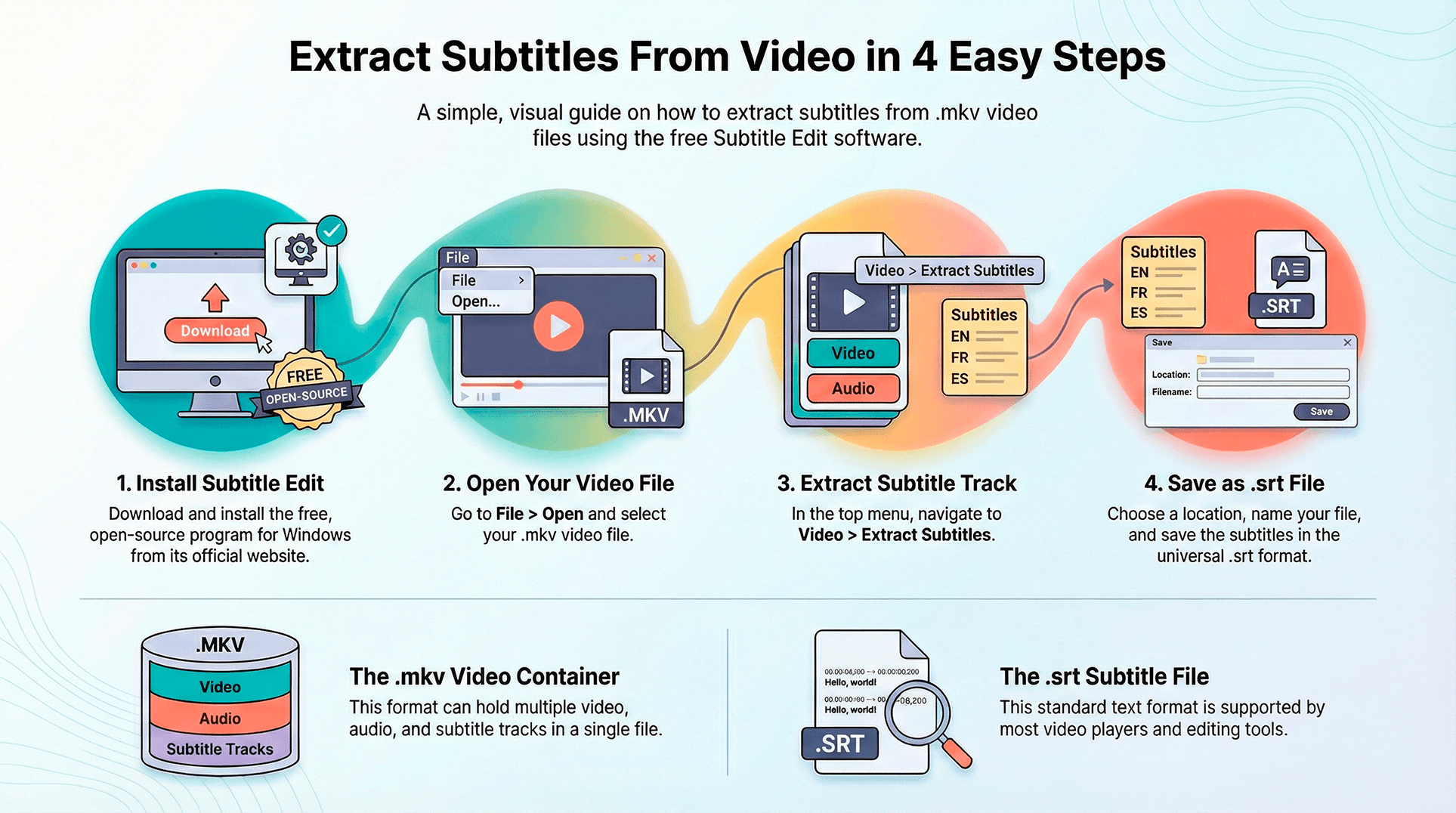
Download and install Subtitle Edit.
The program is available for Windows and can be downloaded from the official website. After installation, open the program.
-
Open video in Subtitle Edit.
In the top menu, select File and then Open. Choose the video file in .mkv format. As mentioned, the .mkv format works excellently with Subtitle Edit, as it often contains embedded subtitles.
-
Extract subtitles.
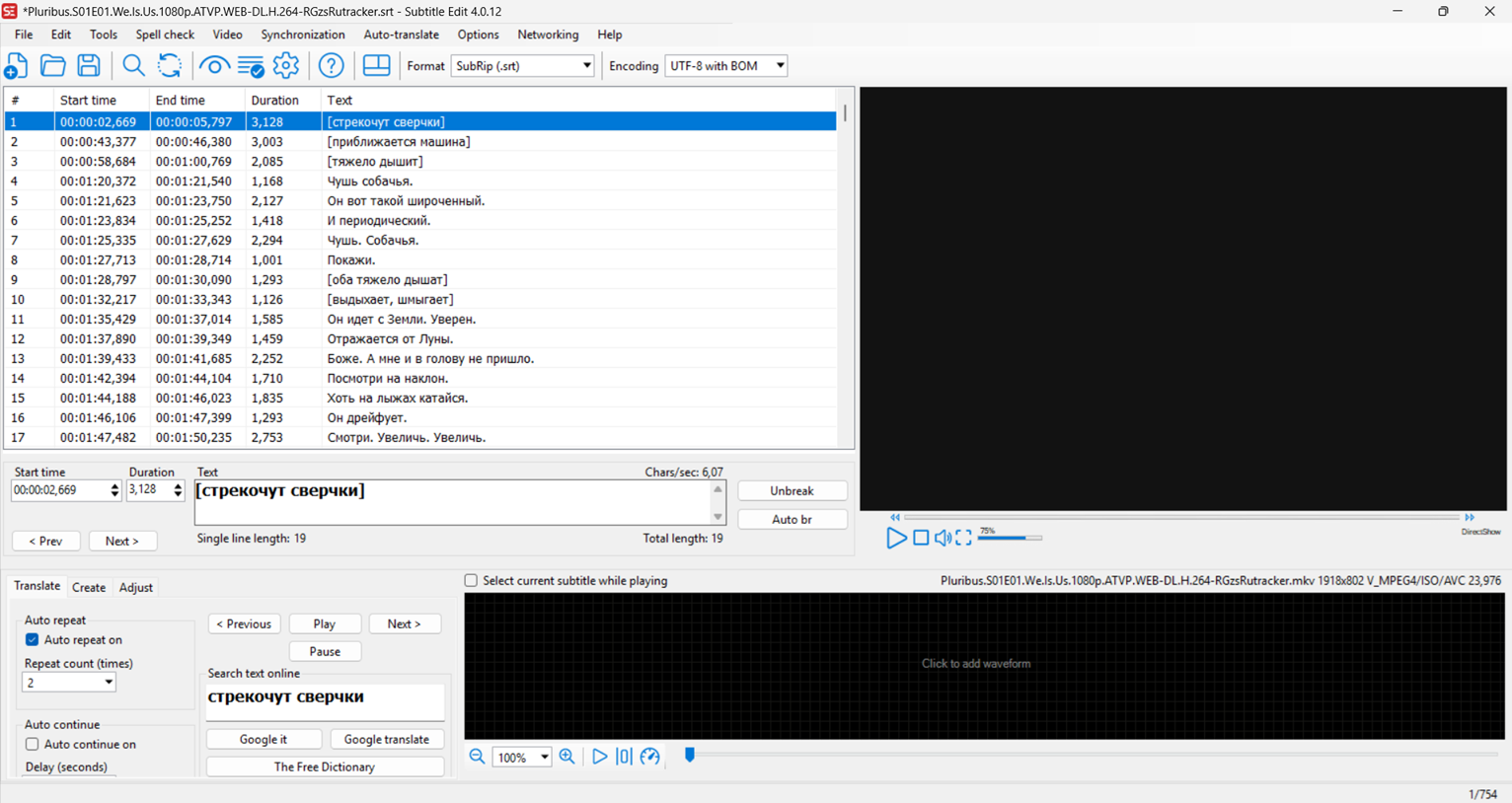
In the opened video window, select the Video tab and then Extract Subtitles. The program will suggest saving the extracted subtitle track in .srt format — a universal format for text subtitles.
-
Save subtitles.
Choose a save location and give the file a name. Then click Save. Now you have subtitles in a convenient .srt format that can be used for further editing or merging with other subtitles. To edit quickly in your browser, use the online SRT editor or read How to edit SRT subtitles.
Why .mkv for Videos with Subtitles?
.mkv (Matroska) is a container format that supports multiple video, audio, and subtitle tracks in one file. This is convenient if you want subtitles to be embedded in the video. Many videos in this format already contain subtitles in different languages, which makes it easier when you need to translate or merge several tracks.
Importance of .srt Format
After extracting subtitles, you need to save them in .srt format — this is a standard text format for subtitles that is supported by most video players. On this site, you can merge subtitles of this format.
SDH subtitles (Subtitles for the Deaf and Hard-of-Hearing) are subtitles designed for deaf and hard-of-hearing people, which include not only dialogue but also descriptions of non-speech sounds (for example, "crickets chirping").
How to Use Subtitles with Multiple Languages?
If you need dual subtitles in different languages, you can use this subtitle merging service. Upload .srt files for each language, and our tool will automatically combine them into one track with translations in different languages.
Download YouTube Subtitles Online
If you need subtitles from YouTube rather than a local video file, use the free DualSubs tool: paste the video link, choose a track language, and download an SRT or VTT file.
Conclusion
Extracting subtitles from video is not a difficult task, especially if you use tools like Subtitle Edit. The .mkv format with embedded subtitles is an excellent choice, and .srt is a convenient format for working with subtitles. If you need to combine several tracks or edit subtitles, you can do this on this site.